Destructuring in JavaScript
As JavaScript applications become larger, working with arrays and objects can sometimes feel repetitive. Developers often need to repeatedly access values from objects or arrays using long expressions.
For example:
const user = {
  name: "Ritesh",
  age: 22,
  city: "Ahmedabad"
};

console.log(user.name);
console.log(user.age);
console.log(user.city);
This works perfectly fine, but imagine doing this repeatedly in large applications. The code starts becoming repetitive and harder to read.
To solve this problem, JavaScript introduced a cleaner feature called destructuring.
Destructuring allows us to quickly extract values from arrays and objects and store them into variables in a much shorter and cleaner way.
What Destructuring Means
Destructuring simply means:
“Breaking apart values from arrays or objects into separate variables.”
Instead of manually accessing values one by one, destructuring lets JavaScript do the extraction automatically.
You can think of it like unpacking items from a box.
For example:
array → unpack values by position
object → unpack values by property name
This makes code:
cleaner
shorter
easier to read
Why Destructuring Is Useful
Without destructuring:
const student = {
  name: "Rahul",
  age: 21
};

const name = student.name;
const age = student.age;
With destructuring:
const student = {
  name: "Rahul",
  age: 21
};

const { name, age } = student;
Much shorter and cleaner.
As applications grow, this readability improvement becomes extremely valuable.
Before vs After Destructuring
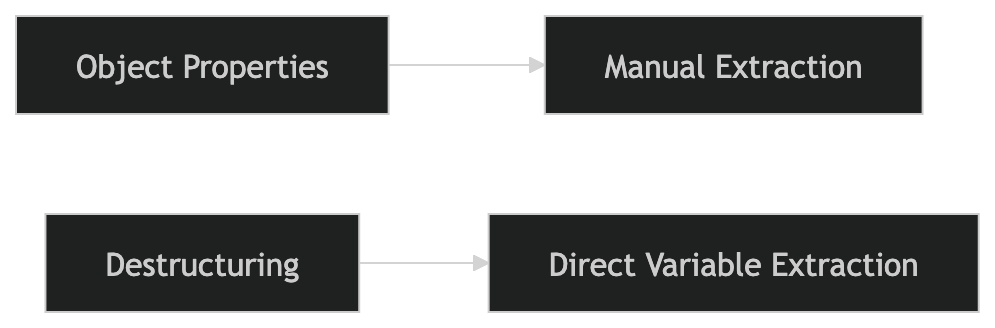
This shows how destructuring reduces repetitive code.
Destructuring Arrays
Array destructuring extracts values based on their position (index).
Example:
const fruits = ["Apple", "Banana", "Mango"];

const [first, second, third] = fruits;

console.log(first);
console.log(second);
console.log(third);
Output:
Apple
Banana
Mango
Here:
firstgets index 0secondgets index 1thirdgets index 2
Understanding Array Destructuring Mapping
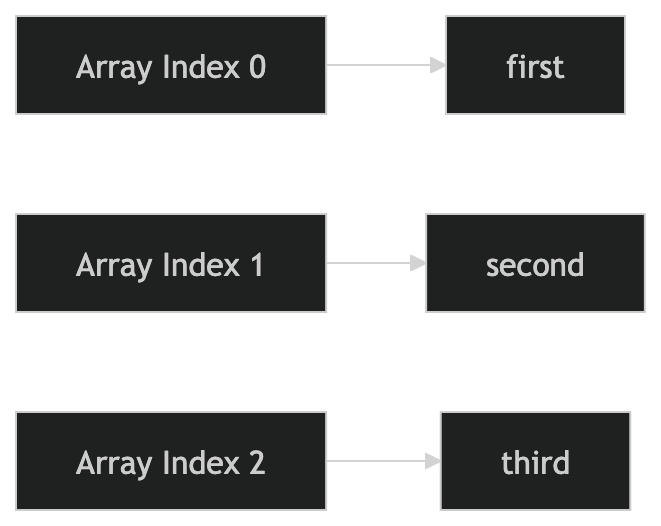
This visual represents how array values map to variables.
Skipping Values in Array Destructuring
Sometimes we only need certain values.
Example:
const numbers = [10, 20, 30];

const [first, , third] = numbers;

console.log(first);
console.log(third);
Output:
10
30
The empty space skips the second value.
Destructuring Objects
Object destructuring extracts values based on property names.
Example:
const user = {
  name: "Ritesh",
  age: 22,
  city: "Ahmedabad"
};

const { name, age } = user;

console.log(name);
console.log(age);
Output:
Ritesh
22
Unlike arrays:
order does not matter
property names matter
Object → Variable Extraction Visual
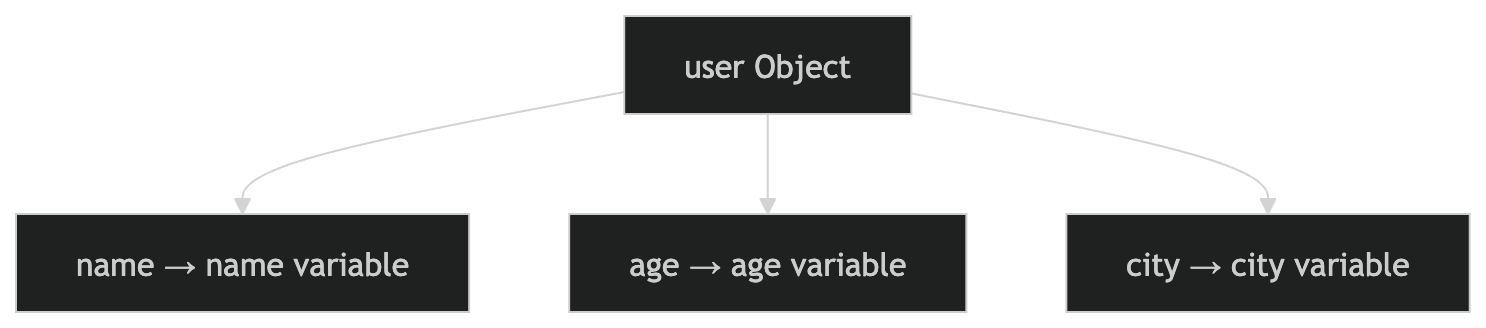
This shows how object properties are extracted into variables.
Renaming Variables During Destructuring
Sometimes we want variable names different from object property names.
Example:
const user = {
  name: "Rahul"
};

const { name: userName } = user;

console.log(userName);
Output:
Rahul
Here:
nameis the propertyuserNamebecomes the variable
Default Values in Destructuring
Default values help when a property or array value does not exist.
Example:
const user = {
  name: "Amit"
};

const { name, city = "Ahmedabad" } = user;

console.log(city);
Output:
Ahmedabad
Since city does not exist inside the object, the default value is used.
Default Values in Array Destructuring
Example:
const colors = ["Red"];

const [first, second = "Blue"] = colors;

console.log(second);
Output:
Blue
Why Developers Love Destructuring
Destructuring is heavily used in modern JavaScript because it:
reduces repetitive code
improves readability
makes data extraction easier
works perfectly with APIs and React props
keeps code cleaner in large applications
You will see destructuring everywhere in modern frontend development.
Real-World Example
Imagine receiving API data like this:
const response = {
  status: 200,
  data: {
    name: "Priya",
    age: 23
  }
};
Without destructuring:
console.log(response.data.name);
With destructuring:
const {
  data: { name }
} = response;

console.log(name);
This becomes very powerful in real applications.
Comparing Arrays and Objects in Destructuring
| Feature | Array Destructuring | Object Destructuring |
|---|---|---|
| Based On | Position | Property name |
| Order Matters | Yes | No |
| Uses | [] brackets |
{} brackets |
Common Beginner Mistake
A common mistake is mixing up:
square brackets
[]curly braces
{}
Remember:
arrays →
[]objects →
{}
Assignment Practice
Create an array and extract values using destructuring.
const movies = ["Inception", "Interstellar", "Titanic"];

const [firstMovie, secondMovie] = movies;

console.log(firstMovie);
console.log(secondMovie);
Create an object and destructure properties.
const student = {
  name: "Rahul",
  age: 21,
  course: "MCA"
};

const { name, course } = student;

console.log(name);
console.log(course);
Use default values.
const user = {
  username: "Amit"
};

const { username, city = "Ahmedabad" } = user;

console.log(city);
Try experimenting with arrays and objects in the browser console to better understand how destructuring extracts values into variables automatically.